Lightning‑Fast Data Entry
RV inspections involve hundreds of data points. RVi helps you start with the right scope so data entry stays fast.
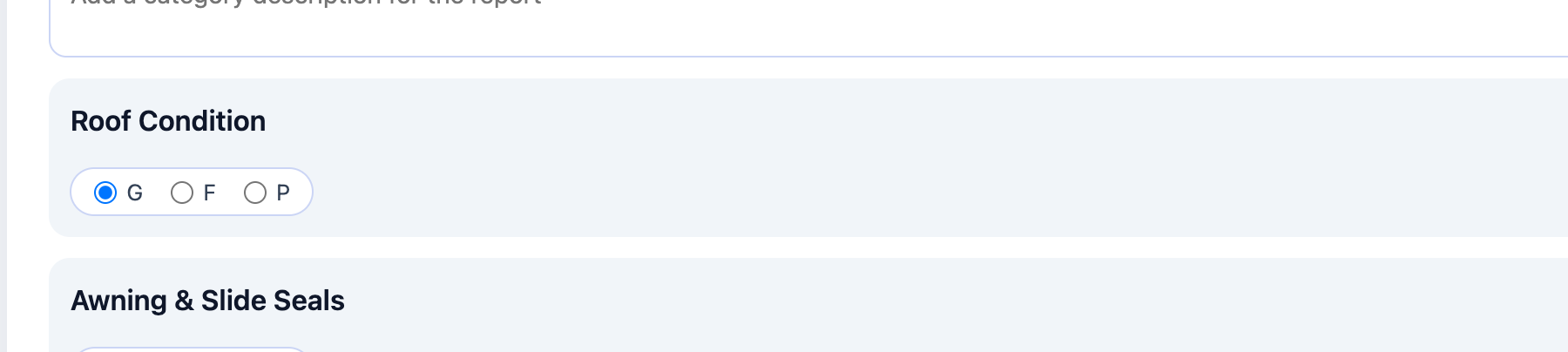
- One‑tap pass/fail/flag statuses
- Voice‑to‑text leveraging your mobile device
- Photo capture or uploads with easy annotation
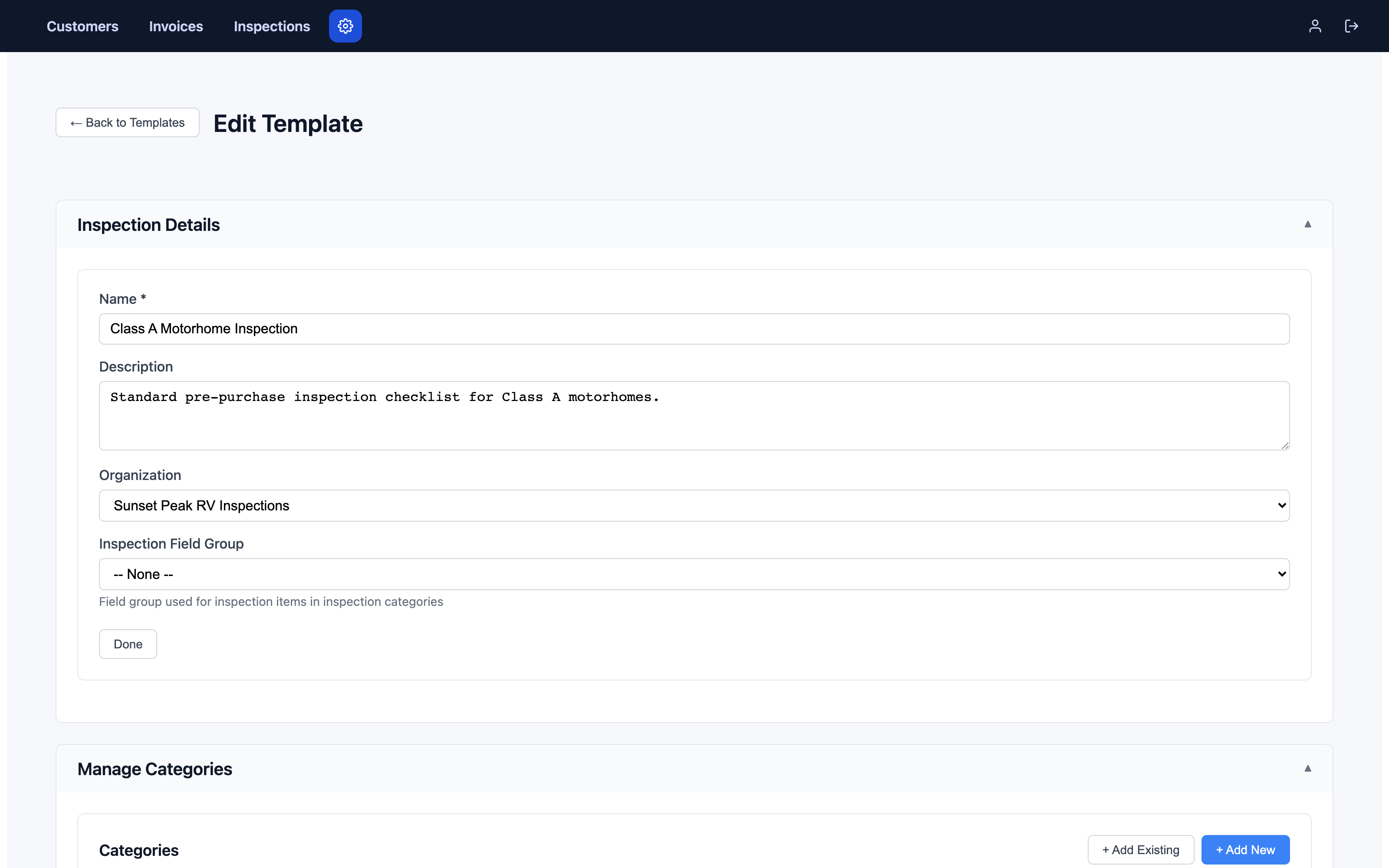
- Inspection Builder: start with a base template, then add targeted additions like Bumper Pull or Airstream in seconds
- Bulk actions for repetitive items
- Custom walk sheet generation that mirrors your generated inspection structure for no-signal jobs
Result: Inspect faster without sacrificing thoroughness, because both the inspection and walk sheet only include what is relevant to the job.
Template Overlay & Recipe System
Standardize quality across your team while tailoring each inspection to the exact job — this is one of the things that most sets RVi apart from generic inspection software. See how it compares to HomeGauge, Spectora, and Palm-Tech.
- Create master templates at the organization level
- Build job-specific inspections by overlaying (stacking) template additions on top of your base standard
- Auto‑sync to all team members
- Version control for template updates
- Lock templates to prevent drift
- Branch templates for special cases
- Save frequently used template stacks as a named recipe, applied in one click when starting a new inspection
Result: Consistent, professional inspections that are faster to perform, faster to enter, and faster to report because inspectors are not sorting through pages of "might apply" items.
Bring Your HomeGauge Templates With You
Years spent building out a HomeGauge template library shouldn't be the reason you're stuck on it. RVi imports HomeGauge .ht5 files directly.
- Sections and checklist items come across automatically
- Comment libraries and macros are preserved
- Rating scales and photo-capture prompts import correctly
- NRVIA training templates import the same way
Result: What used to mean rebuilding your entire process field by field now takes minutes, not a season.
Import Flow
.ht5 file (HomeGauge / NRVIA)
↓ import
✓ Sections & checklist items
✓ Comment library & macros
✓ Rating scales & photo prompts
Buyer Punch Lists
Your report doesn't have to be the end of the conversation. Give your client a way to act on it immediately.
- Flag items as Life Safety, Major, or Minor during the inspection
- Your client selects which flagged items to include, right from their report
- They can add their own notes—both for the whole list and for each item
- The seller receives only the relevant photos and comments, not the full report
- Sent directly by email, no login or extra software required
Result: Your client walks away with a focused, ready-to-send document for negotiating repairs, and you look like the inspector who made closing easier.
Punch List Flow
Flagged items from the report
↓ client selects & adds notes
✓ Photos & comments only
✓ Emailed straight to the seller